Enterprise Architect
Model your enterprise across As-Is, Transition, and To-Be states
The core modeling environment where enterprise architects create, visualize, and analyze architecture knowledge across Strategy, Business, Data, Application, and Technology layers.
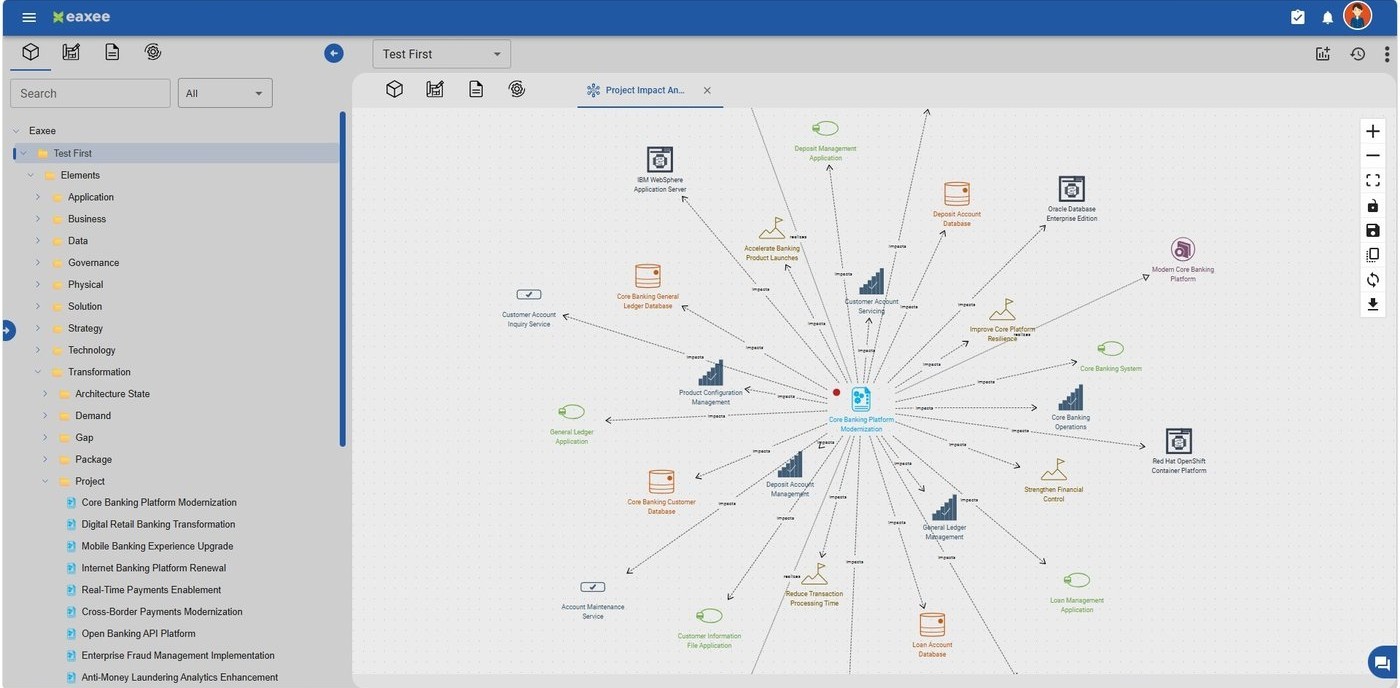
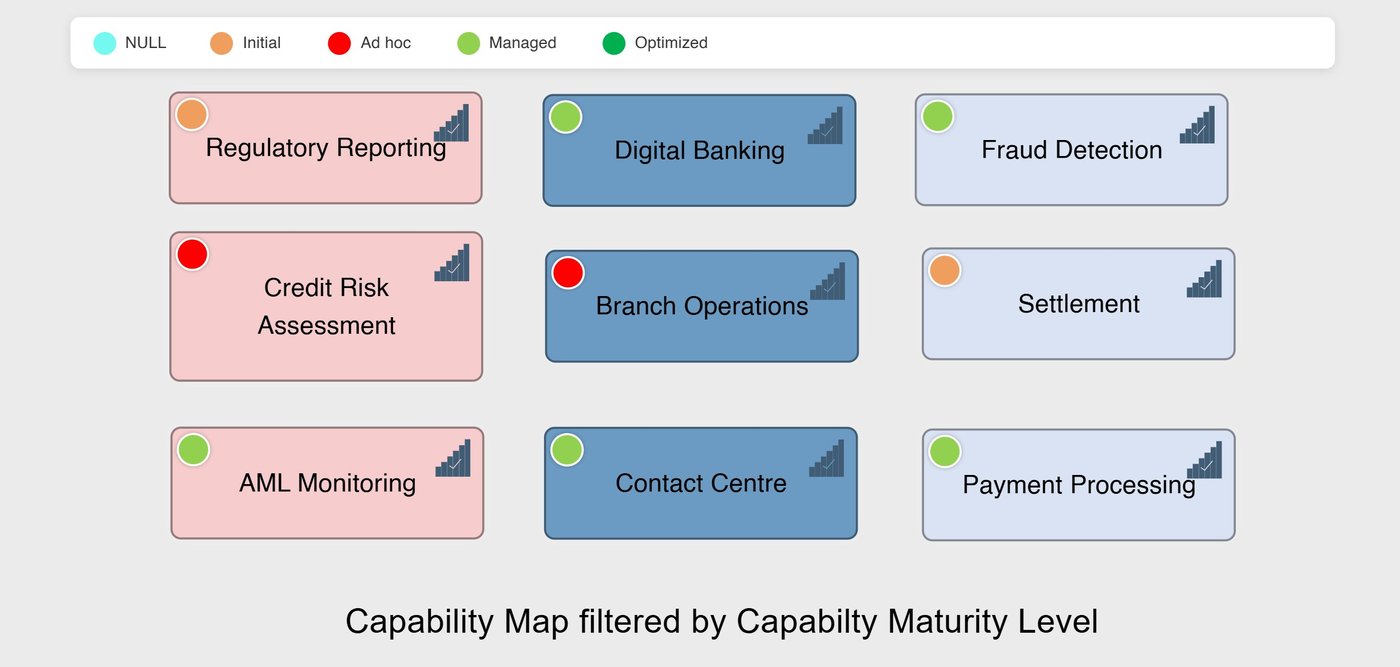
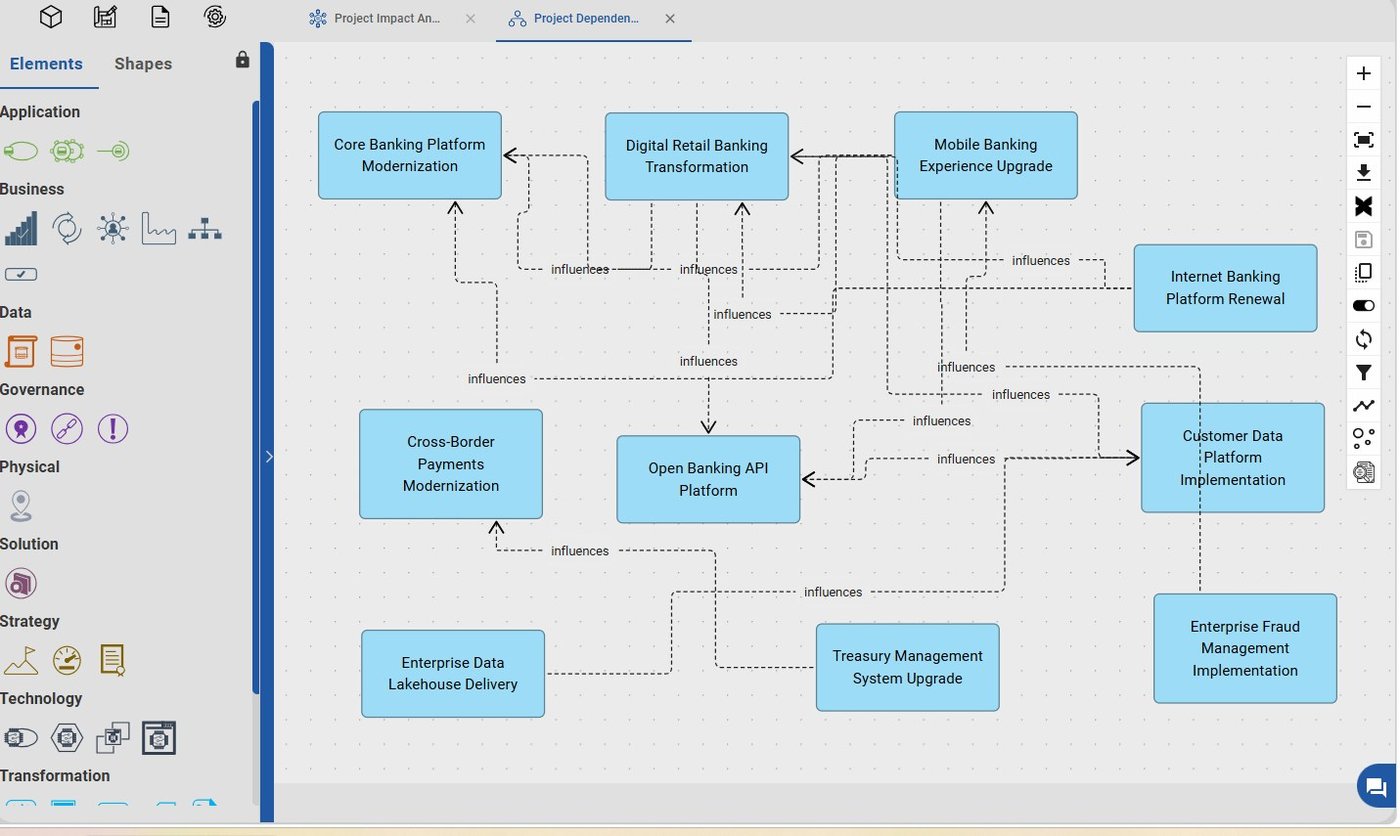
Model and maintain
- Support for As-Is, To-Be, Transition, and Reference architectures across your enterprise.
- Create and maintain objects, relationships, diagrams, viewpoints, configurable catalogs, matrices, navigation views, and roadmaps.
- Coexist Enterprise Architecture, UML, ITIL, Data Flow Diagrams, flowcharts, and other domain-specific modeling languages in one repository.
Enterprise Architect is the heart of the EAXEE suite that provides the functionality for designing and visualizing the detailed architecture of the organization across different architectural states. New objects can be created by simple clicks on the tree and opening the object form or by dragging an object symbol from the palette on the drawing canvas.
Visualize and frame concerns
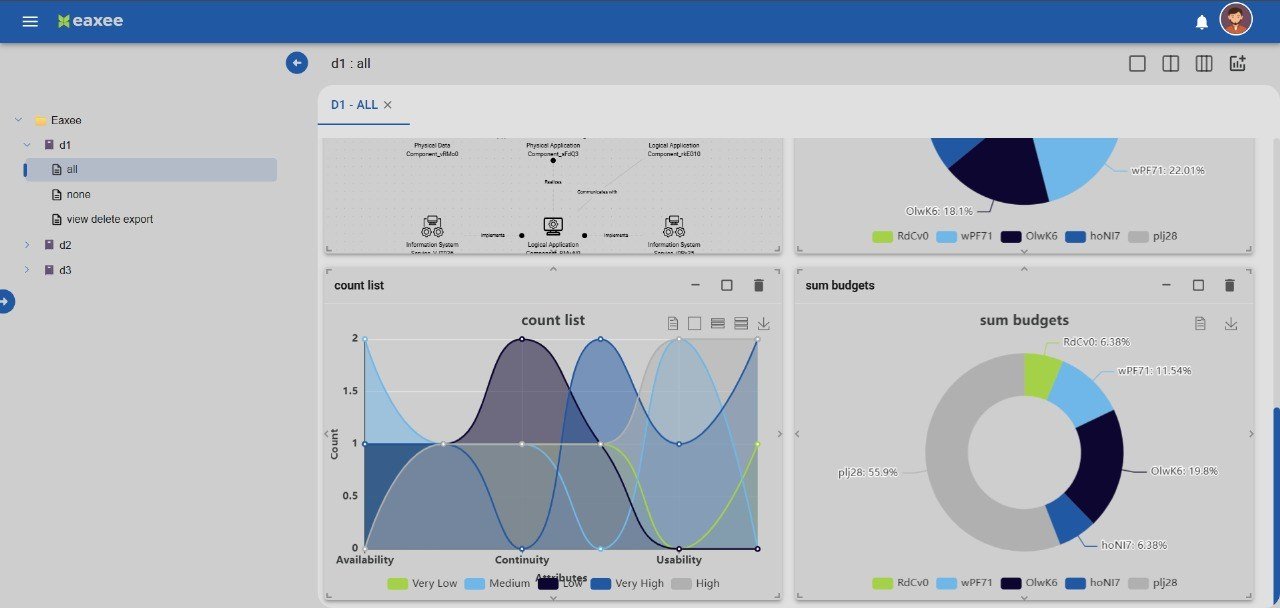
- Visualize your organization and explore object relationships through interactive diagrams, capability maps, and navigation views.
- Frame stakeholder concerns through viewpoints — curated selections of elements and relationships tailored to specific audiences.
- Track transformation projects using roadmaps to see phases, dependencies, and progress in one view, and export diagrams or object reports in editable and PDF formats.
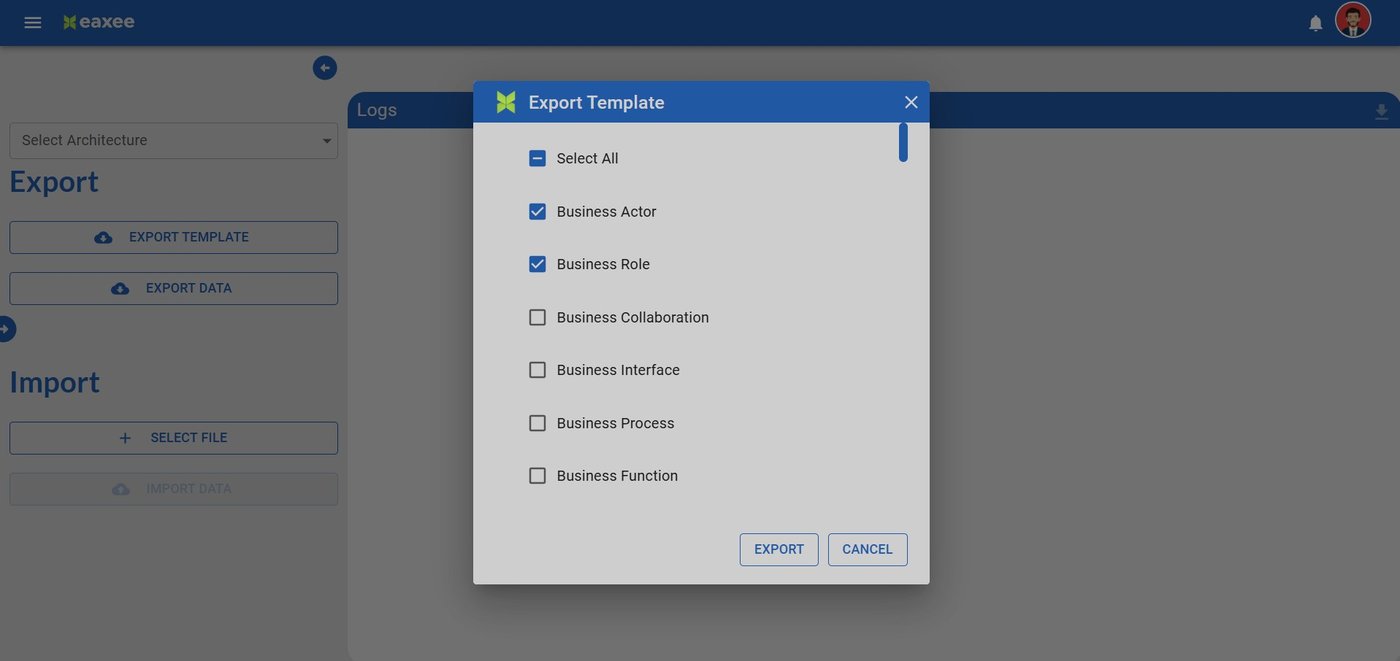
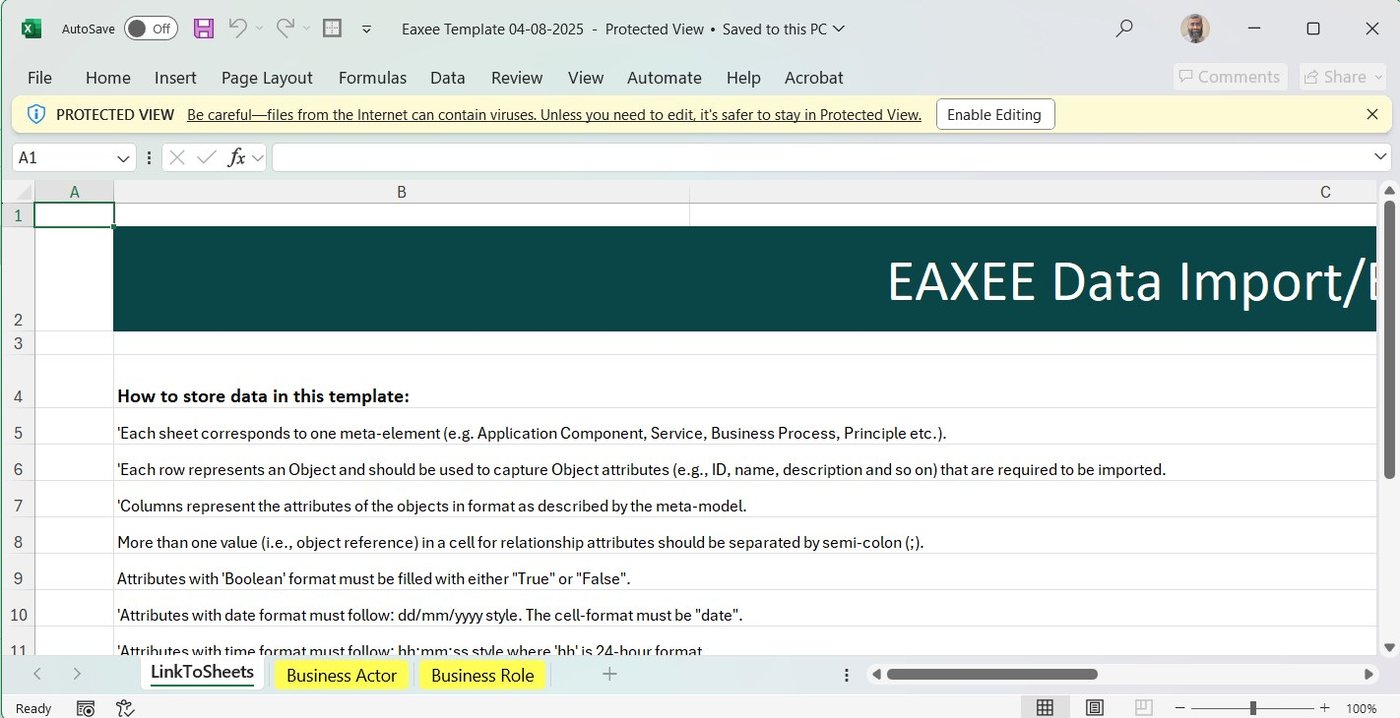
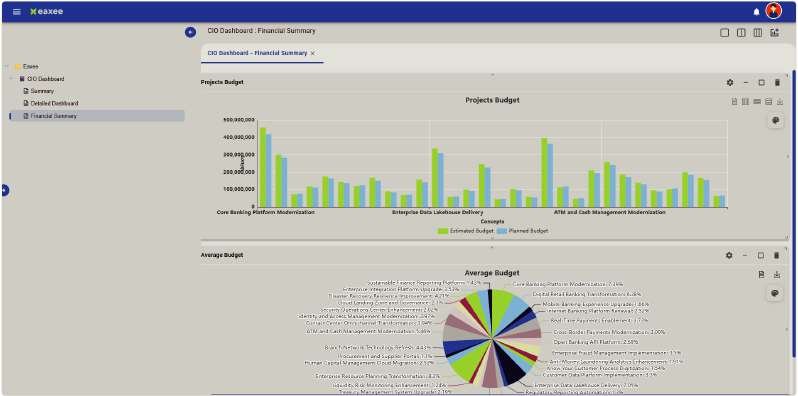
Catalogues, Diagrams, Viewpoints, BPMN, Relationship Matrices, Roadmaps and Navigation Maps add to the ease in visualizing the details and the dependencies and analysing the effects of various decisions on the organization. Moreover, objects and artifacts can be exported, for offline use, in multiple formats such as pdf, excel, png and svg.
Analyze and collaborate
- Perform impact analysis and dependency analysis before executing organizational or technical changes.
- Use the Compare Catalog feature or diagram filters to perform gap analysis across various architecture states.
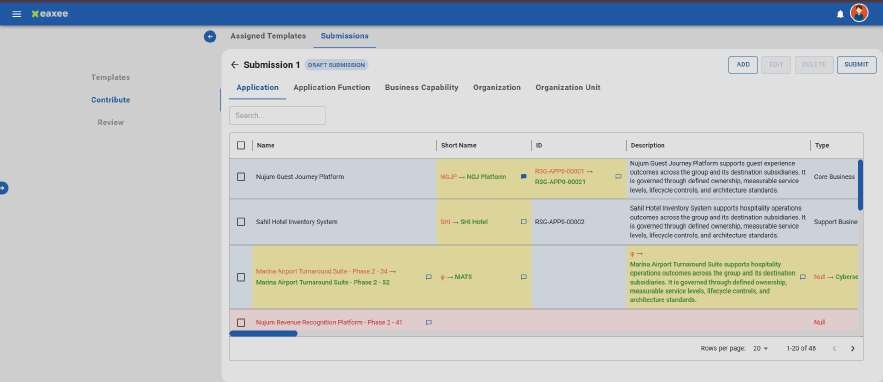
- Accelerate governance with repository-wide search, peer review workflows, and collaboration through built-in messaging.
Powered by various filters, the quick-access option in Enterprise Architect provides the architect the provision to quickly access the objects and artifacts created by oneself, belonging to a particular repository, belonging to a certain element, or edited in last n days. Architect is kept informed about any modifications in the objects or artifacts created by oneself, and any other changes related to metamodel or repository through notifications. Architect can also get one's objects and artifacts reviewed from peers via a review request.
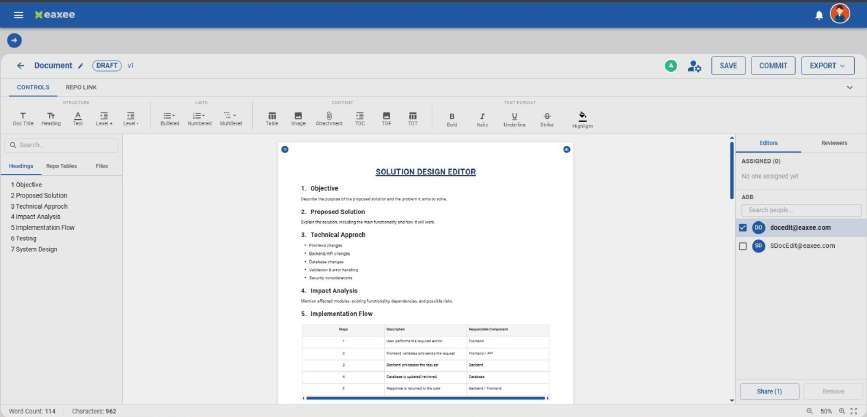
Enterprise Architect also allows architects to store documents and artifacts created in other tools, such as EA policy, governance framework, network diagrams and UML diagrams, and link them to objects. This helps create Enterprise Architect as a single source of truth for architectural landscape of the organization.